Easiest
Upload it here
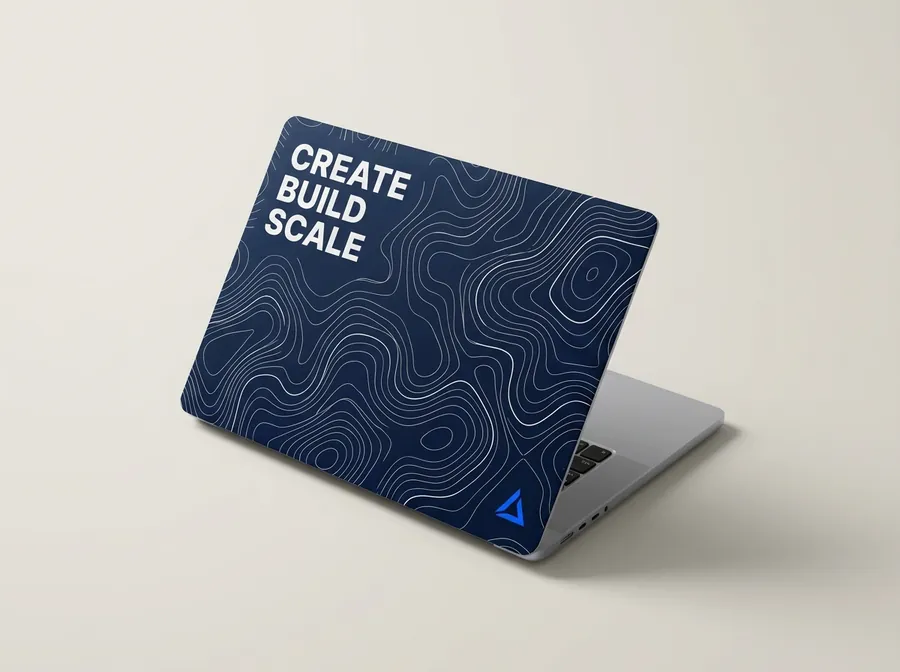
See it on a 3D laptop in seconds, choose how it sits, pick a quantity and check out.
- PNG, JPG, WebP or SVG, up to 10 MB
- Warns you if the resolution is too low
- Fill the lid, or fit it on a colour
Bring your own design
Already have a design? Upload it and see it on your laptop in seconds — or grab a template cut to your exact model and send us the file.
Cut to your model
13 laptops + custom
Full bleed
No white edges
Proof first
You approve it
Drag to turn it
How to set up your file
That's the bleed. We trim it off when we cut, so there's never a white sliver along the edge.
The finished sticker, with rounded corners to match your lid. Your design reaches all the way to it.
Inside the dashed line, nothing important gets trimmed or lost in a corner.
If your lid has the Apple logo cutout, it shows through a hole here — nothing prints on it.
Sizes & templates
What size is your laptop?
Which one?
MacBook Air 13 (M2+)
Make your file
304 × 211mm
3,591 × 2,492 px at 300 dpi
The template is an SVG at true size, with the cut line and safe area on their own layer. It opens in Illustrator, Figma and Affinity.
| Laptop | Make your file | Pixels at 300 dpi | Finished sticker | Template |
|---|---|---|---|---|
| MacBook Air 13 (M2+) | 304 × 211mm | 3591 × 2492 | 298 × 205mm | SVG · with cutout |
| MacBook Air 15 | 336 × 221mm | 3969 × 2610 | 330 × 215mm | SVG · with cutout |
| MacBook Pro 14 | 308 × 216mm | 3638 × 2551 | 302 × 210mm | SVG · with cutout |
| MacBook Pro 16 | 351 × 231mm | 4146 × 2728 | 345 × 225mm | SVG · with cutout |
| MacBook Neo | 296 × 206mm | 3496 × 2433 | 290 × 200mm | SVG · with cutout |
| MacBook Pro 13 (M1/M2) | 304 × 211mm | 3591 × 2492 | 298 × 205mm | SVG · with cutout |
| Dell XPS 13 | 291 × 201mm | 3437 × 2374 | 285 × 195mm | SVG |
| Dell XPS 15 / 15.6 class | 341 × 236mm | 4028 × 2787 | 335 × 230mm | SVG |
| HP Spectre / Pavilion 14 | 311 × 216mm | 3673 × 2551 | 305 × 210mm | SVG |
| Lenovo ThinkPad X1 / Yoga 14 | 311 × 216mm | 3673 × 2551 | 305 × 210mm | SVG |
| Generic 13.3 inch | 291 × 201mm | 3437 × 2374 | 285 × 195mm | SVG |
| Generic 14 inch | 311 × 216mm | 3673 × 2551 | 305 × 210mm | SVG |
| Generic 15.6 inch | 341 × 236mm | 4028 × 2787 | 335 × 230mm | SVG |
Send it to us
Easiest
See it on a 3D laptop in seconds, choose how it sits, pick a quantity and check out.
For designers
Working in Illustrator, InDesign or Figma? Start from a template and send us the finished file.
No design yet?
Enter your website and we build a cover from your logo, colours and type — then make it yours in the studio.